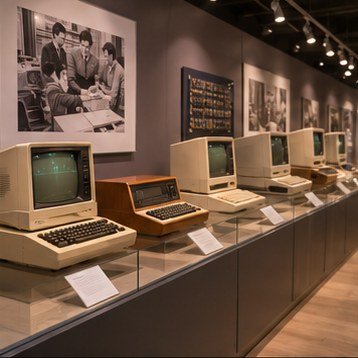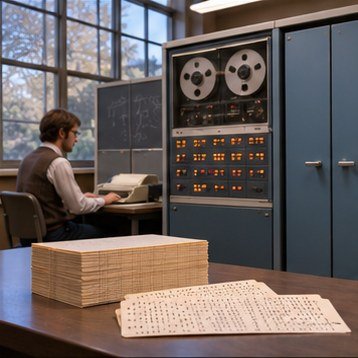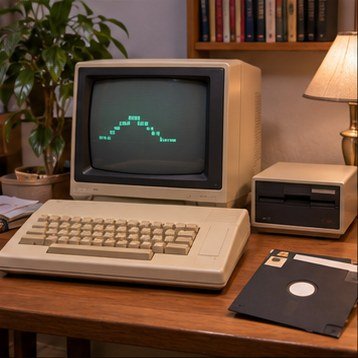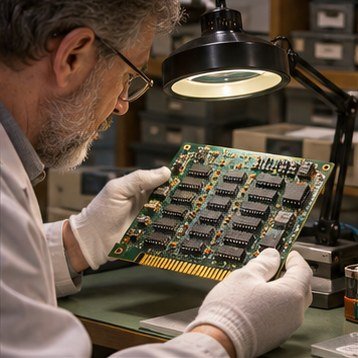
Restoring an old computer is an evidence-based process, not a race to power it on. Long storage can leave dust, corrosion, brittle plastics, damaged insulation, and failed components. A careful inspection can prevent a small problem from becoming a larger one.
Document before touching
Photographs, labels, serial numbers, switch positions, and cable routing help preserve an object’s history. Record what arrives with the machine and what is missing. If the system has an unknown repair history, treat that uncertainty as part of the condition report.
Inspect and assess risk
Power supplies and display equipment can contain hazardous voltages even after being unplugged. A qualified technician should assess mains-powered equipment and any stored-energy components. Do not connect a machine with a damaged cord, signs of liquid, corrosion, or unknown modifications.
Make interventions traceable
When restoration is appropriate, record each step, part, and test result. Preserve original components when safe and useful, label replacements, and distinguish repair from cosmetic work. A transparent log lets future caretakers understand what changed and why.