Computer history offers a practical way to understand ideas that still shape technology. Comparing a system’s memory, display, storage, and software reveals why engineers made particular trade-offs and how people adapted to them.
Questions for a museum visit
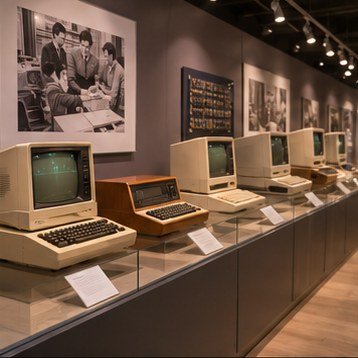
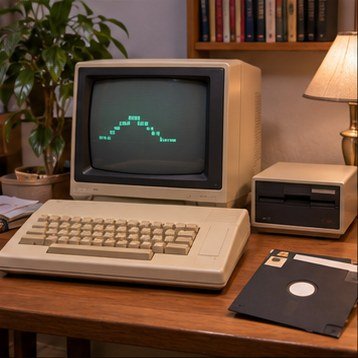
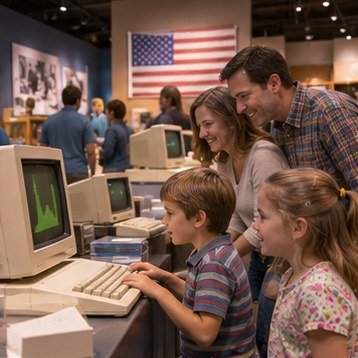
Ask what the machine was designed to do, who could afford or access it, and what skills a user needed. Look for the keyboard, screen, storage, and connectors. Then compare the object with a device you use today: what became simpler, and what capabilities were lost or added?
A classroom activity
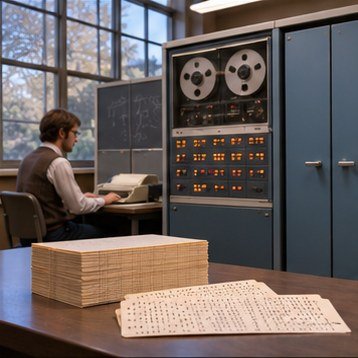
Have learners sketch a computer system as connected parts: input, processing, memory, storage, output, and communication. Give each group a different era and ask them to explain how the available components shaped a task such as writing, drawing, or playing a game.
Building digital literacy
Historic devices make abstract computing visible. They show that interfaces and conventions were designed, not inevitable. Understanding older choices can help students ask better questions about today’s devices, including repairability, privacy, accessibility, and the lifecycle of electronics.