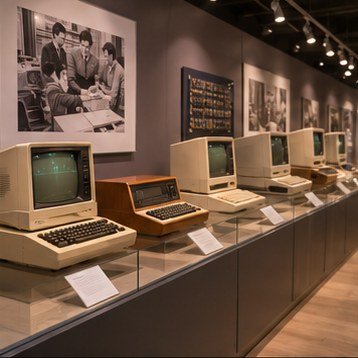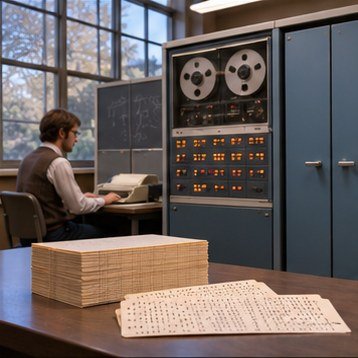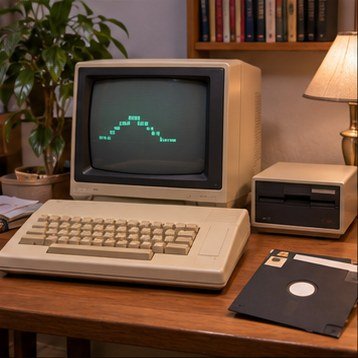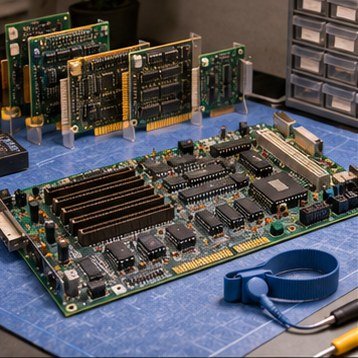
A vintage computer makes more sense when its components are considered as a system. The processor executes instructions, memory holds active work, storage keeps data between sessions, and interfaces connect the computer to people and peripherals.
Processor and memory
The central processor works through instructions, while memory provides a fast place to hold data currently in use. Early personal computers often had far less memory than modern devices. Software designers had to plan around those limits, which influenced program size, graphics, and the number of tasks a system could handle at once.
Storage and expansion
Cassette tapes, floppy disks, hard drives, and later optical media each offered different balances of speed, capacity, cost, and convenience. Expansion slots let owners add capabilities such as extra memory, display adapters, or communications hardware, but cards were not automatically compatible across machines.
Ports, keyboards, and screens
A port hints at the connections a computer was designed to support. Keyboards shaped how users entered commands, while displays determined what kinds of text and graphics were practical. When documenting a system, record connector types and labels rather than guessing from appearance alone.