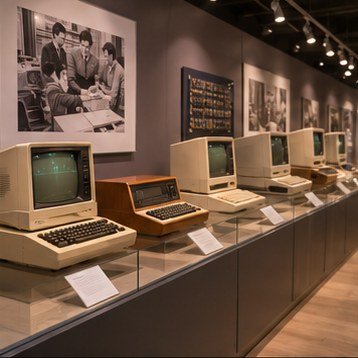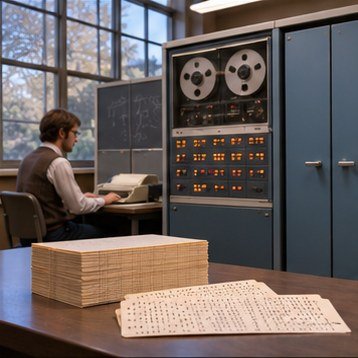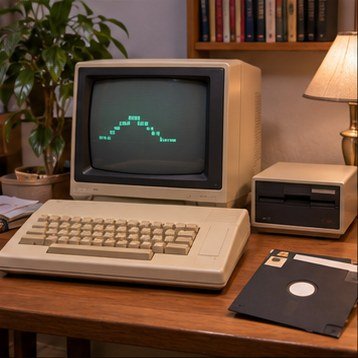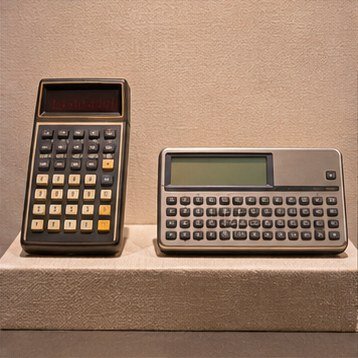
A computer’s survival depends on more than its circuits. Manuals, disks, software, photographs, cables, and oral histories provide the context that helps future readers understand what the machine did and how people experienced it.
Stable storage matters
Keep hardware in a clean, dry environment with steady conditions and protection from dust, pests, and direct sunlight. Avoid stacking weight on delicate cases or displays. Use appropriate archival enclosures for paper and media, and label objects with non-damaging methods.
Document the collection
A simple record can include maker, model, serial number, approximate date, condition, provenance, accessories, and known repairs. Photograph the object from several angles and capture labels clearly. Note uncertainties instead of filling gaps with assumptions.
Preserve files with care
Magnetic and optical media can fail, and compatible drives may become scarce. Digital preservation planning includes safe handling, documented imaging workflows, checksums, and secure storage of preservation copies. Follow rights restrictions and avoid sharing personal data that may remain on old storage devices.